Branded Quest themes and layout improvements
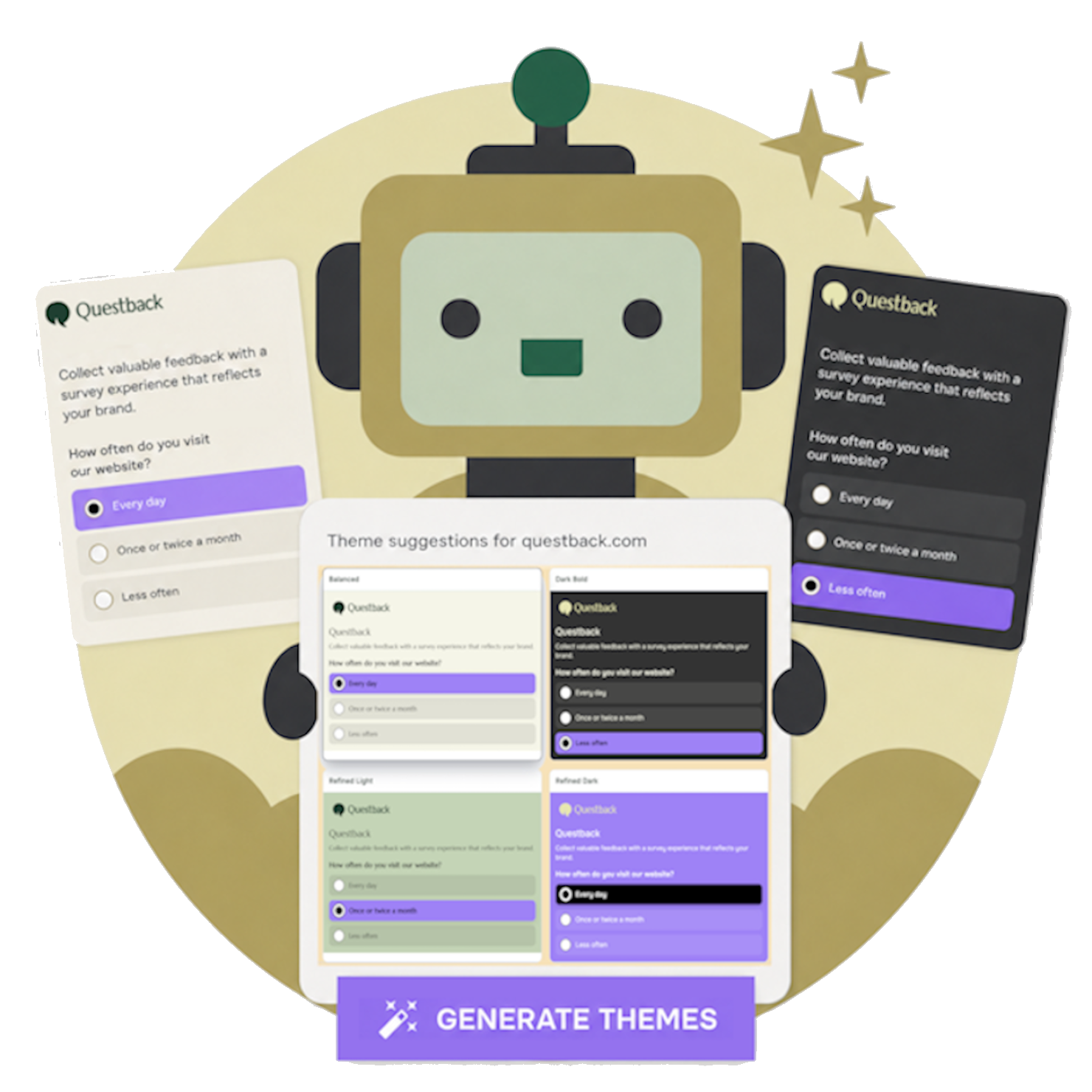
In our previous release, Branded Quest themes were introduced as a new way to create themes. Based on your company branding, Questback generates theme suggestions that help your Quests feel more recognisable and familiar to respondents from the start.
We have improved this functionality further, reducing the number of manual steps needed to let Questback generate theme suggestions for you. To learn how to create a branded Quest theme, click here.
Following the release of the New Answer Module, a layout improvement has also been made for horizontal alternatives. When there is not enough space, these alternatives will now automatically switch to a vertical layout. This is especially useful for scale questions and follows best practice, helping keep the answer options clear and preventing alternatives from being split across multiple lines. Existing Quests where alternatives previously wrapped across multiple lines will also use the improved layout automatically after this release, without any manual changes needed.
This release also includes the following fixes and improvements:
- An issue with radio buttons not being included in PDF exports and survey printouts has been fixed.
- Background colors behind matrix row and column headers are now handled more consistently, so transparency is applied more smoothly instead of appearing as solid color blocks.
We will continue improving color transparency behind matrix headers to make them look smoother. - Security improvements have been made behind the scenes, strengthening the platform’s resilience against potential threats while supporting ongoing stability and reliable future development.
