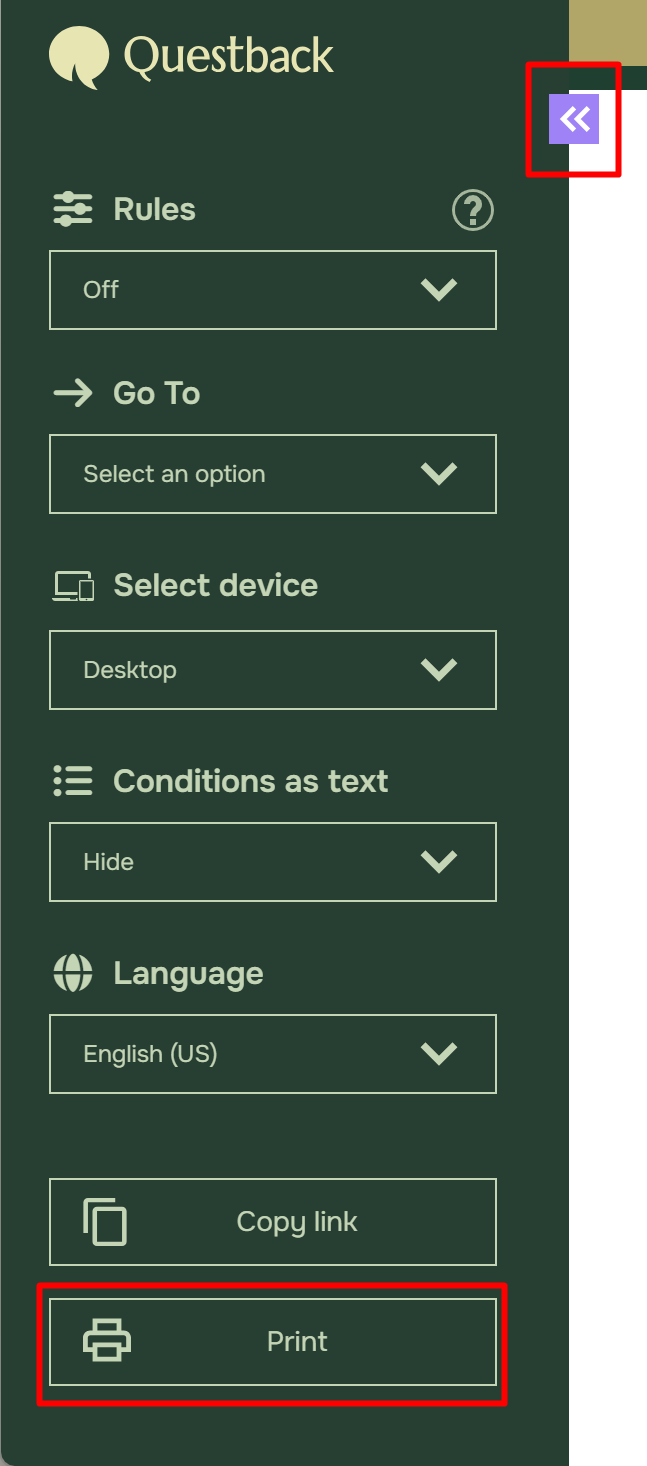

How to export or print out a Quest?

To export your Quest to a Word document, follow these steps:

  • While you are in your Quest, click Preview Quest.

  • Click on the Print Preview Button.

  • Click Export to PDF. Or Print if you wish to print a hard-copy of the Quest.


academy

About Academy

Did you find an answer to your question? Under documentation we have gathered informative descriptions that helps you understand Essential's functionality fully. Through insight work, you raise the level of knowledge in the entire organization
