How to add email-logo under Settings?
Last updated more than 2 months ago |
Print
To upload a logo to your Quest-email invitation, follow these steps:
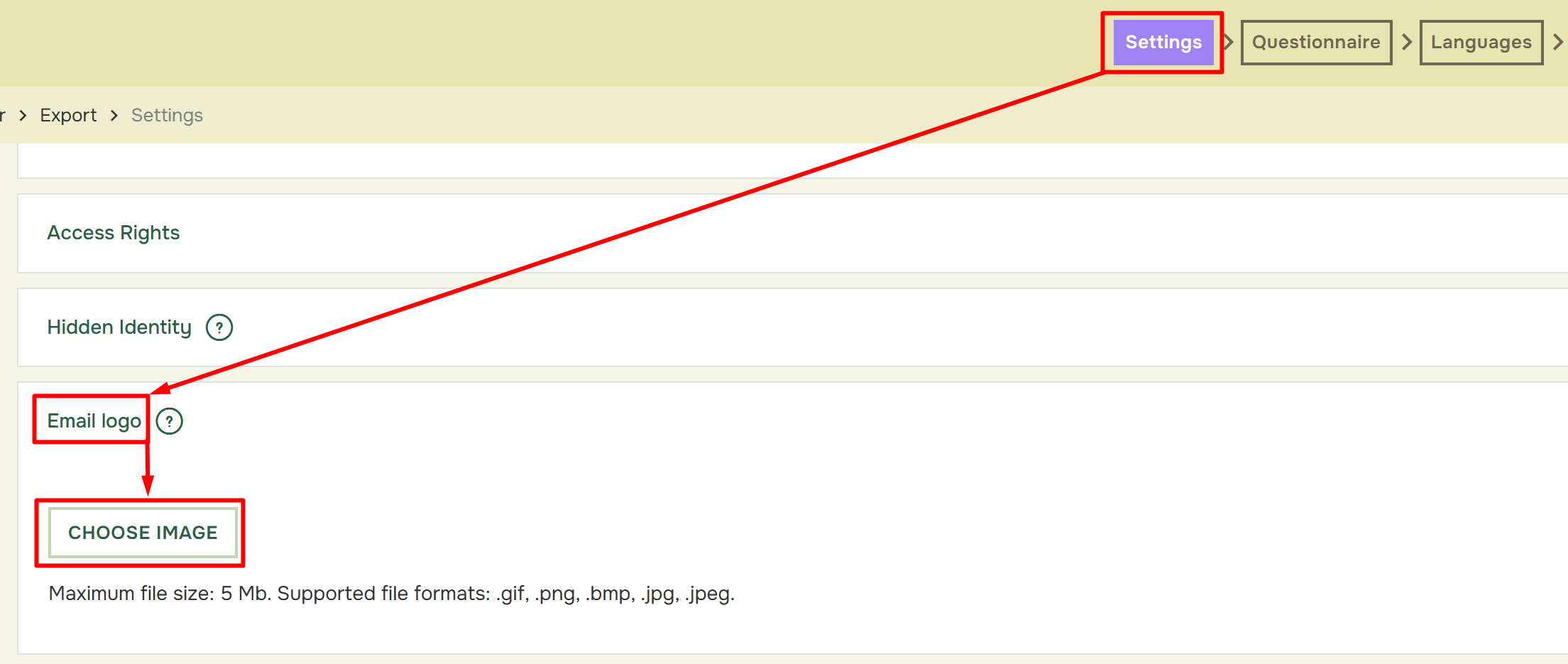
- From the top-pane meny click in Settings and select Email–Logo below. Click on Choose Image to open the Media Manager or Media Picker.
After clicking Choose Image you will enter your Media Manager/Media Picker. Here you must click on the picture/logo you want to use, and then hit Insert.
If you haven´t already uploaded your picture/logo, you can press Upload File and get it from your computer.
After inserting the logo, you may allign it left, centered or to the right side of your email invitation.